What are WhatsApp audio stickers?
WhatsApp audio stickers (also called sound stickers) are animated stickers that play a short sound when you tap them. WA Audio Stickers India lets you make them from any video, GIF, photo or your own voice and send them from WhatsApp Web.
How do I send a sticker with sound on WhatsApp?
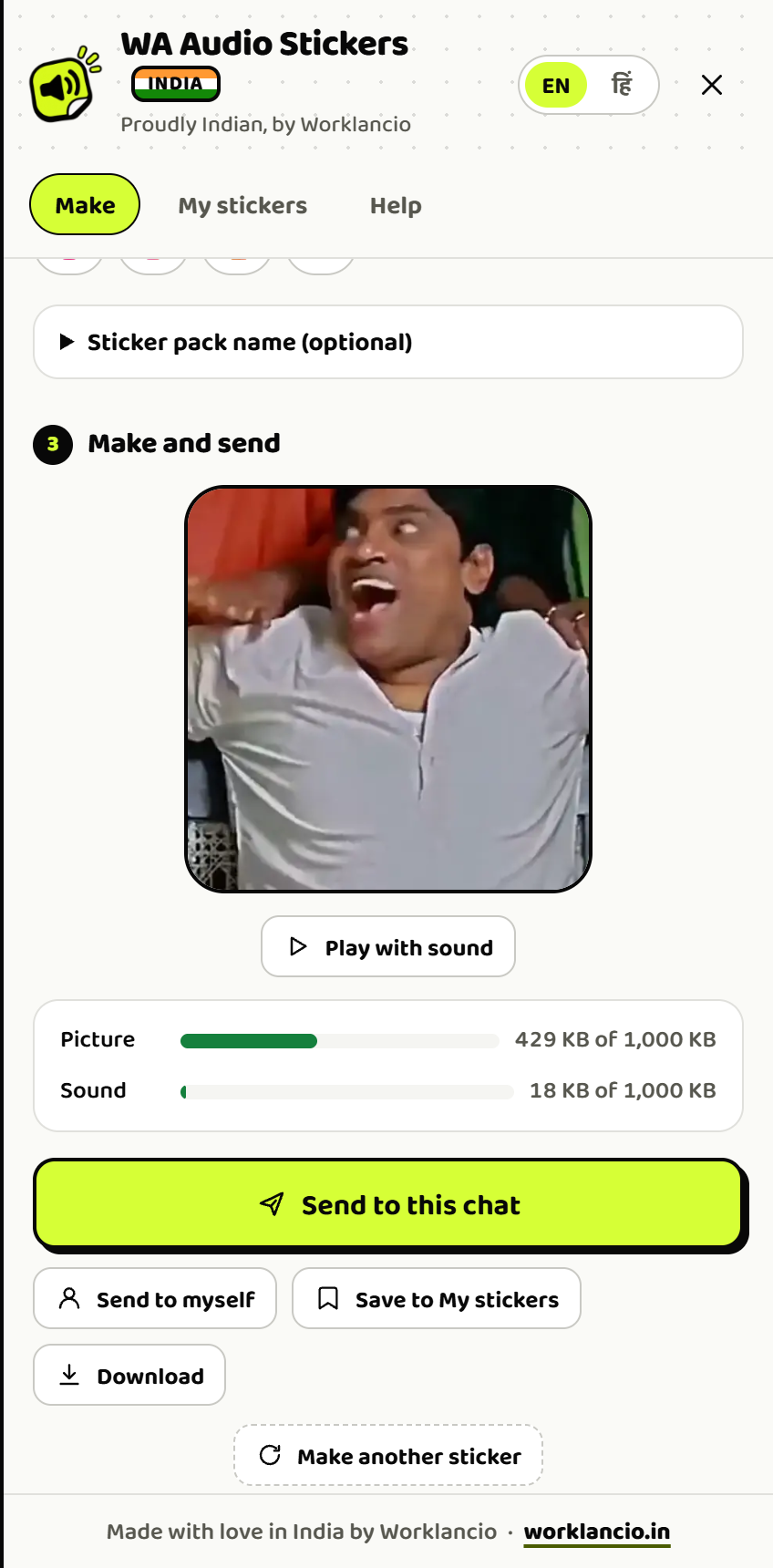
Install the free WA Audio Stickers India extension in Chrome, Edge or Brave, open web.whatsapp.com, click the lime tab, pick or record a clip, press Make sticker, then Send to this chat. Your friend taps the sticker and hears the sound.
How do I make a WhatsApp sticker with sound from a video?
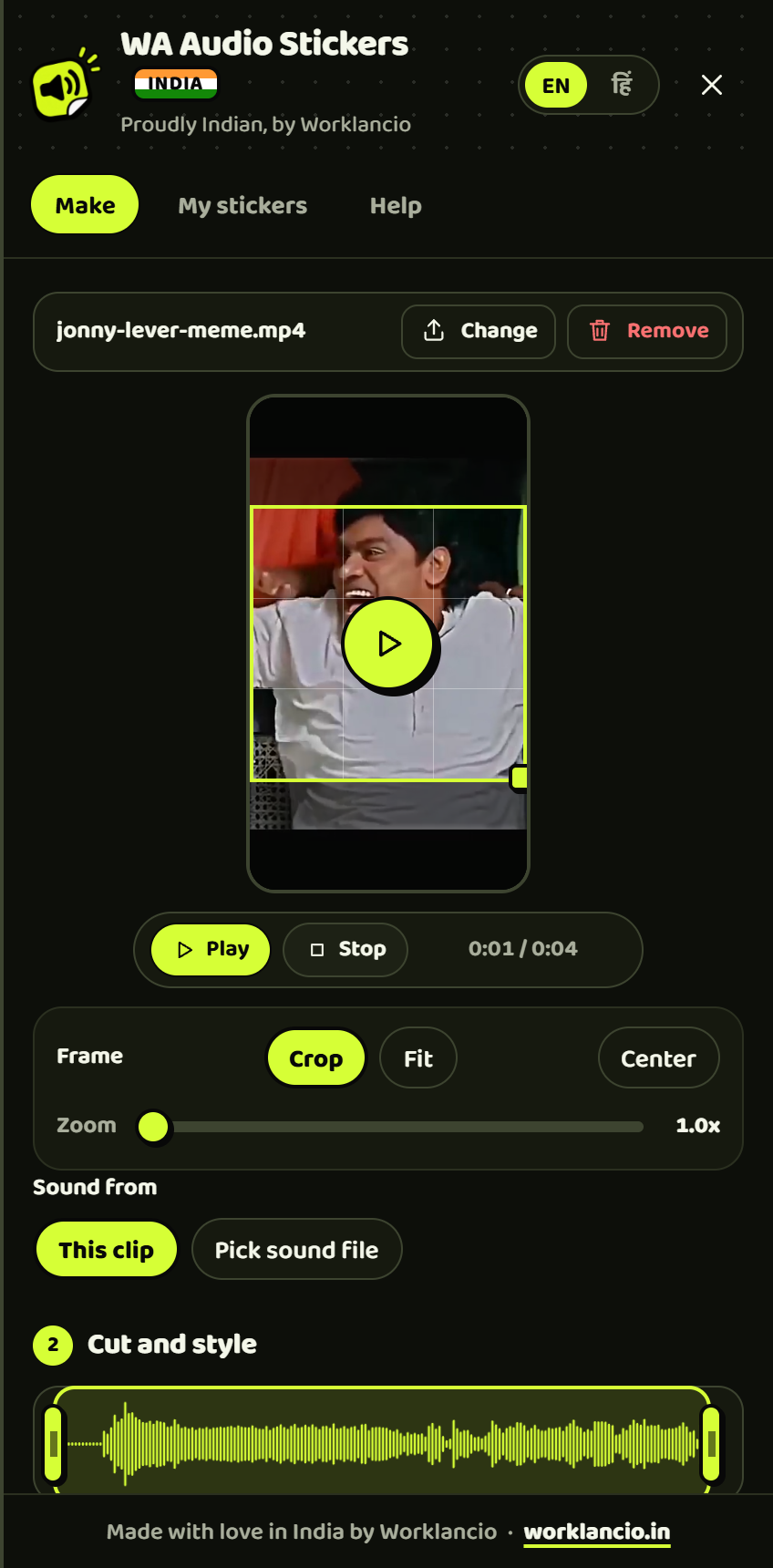
Open the WA Audio Stickers India panel in WhatsApp Web, drop your video (MP4, WebM or MOV), drag the two handles on the waveform to pick up to 10 seconds, crop or zoom with the lime square, press Make sticker and send it. The video keeps its own sound.
How do I crop or zoom a vertical video or Reel?
When Crop mode is selected, drag the lime 1:1 square directly over your video to frame it horizontally and vertically, and drag the corner handle or Zoom slider (1x to 2.5x) to remove black bars. Click Center to reset or Fit to show the whole frame.
Does the preview play only the trimmed part?
Yes. Pressing Play on the preview or clicking the video plays only your selected cut between From and To, with Play, Pause and Stop controls.
Are stickers optimized for mobile data?
Yes. The builder optimizes high-resolution clips toward a crisp 480 KB budget-friendly sweet spot by default while keeping everything under WhatsApp's 1 MB limit.
How do I make a voice sticker for WhatsApp?
Press Record voice in the panel, speak, then stop. We turn your voice into a sticker with a moving sound wave, or put it over a photo you choose, ready to send.
How do I pick the funny part of a clip?
Drag the two lime handles on the waveform, or drag the middle to slide the whole part. Press Play this part to hear it first, or type exact times in From and To.
Which files can I turn into a sound sticker?
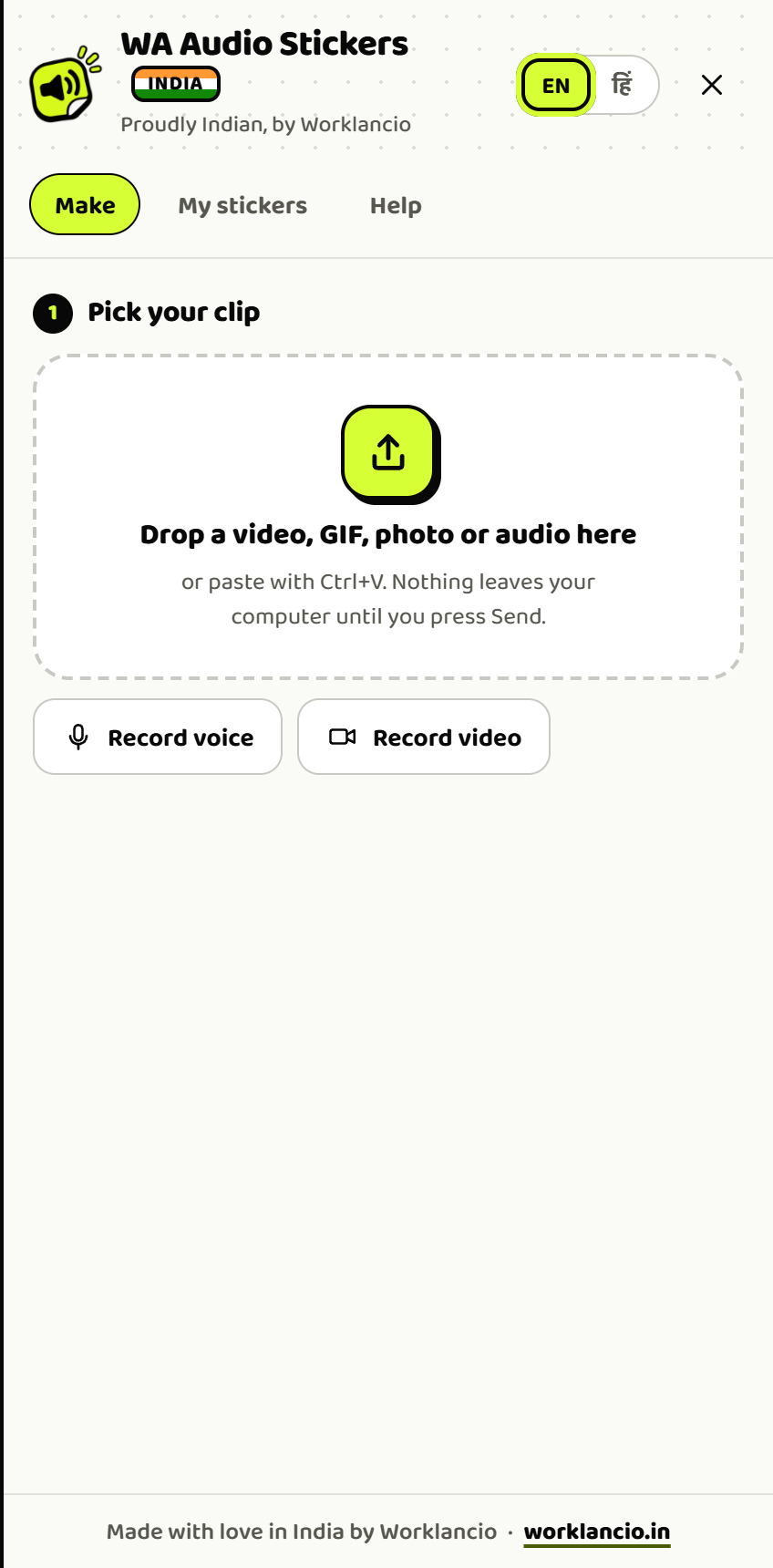
Videos (MP4, WebM, MOV), GIFs, photos (PNG, JPG, WebP) and audio (MP3, M4A, WAV, OGG). You can also record your voice or a selfie video right in the panel.
Is WA Audio Stickers India free?
Yes. It is completely free and open source under the MIT licence, with no sign-up, no ads and no paid version.
Is it safe and private?
Yes. Everything is made on your own computer. The extension only asks for storage and web.whatsapp.com, has no server and no tracking, and sends only when you click, one sticker at a time.
Can I make audio stickers in Hindi?
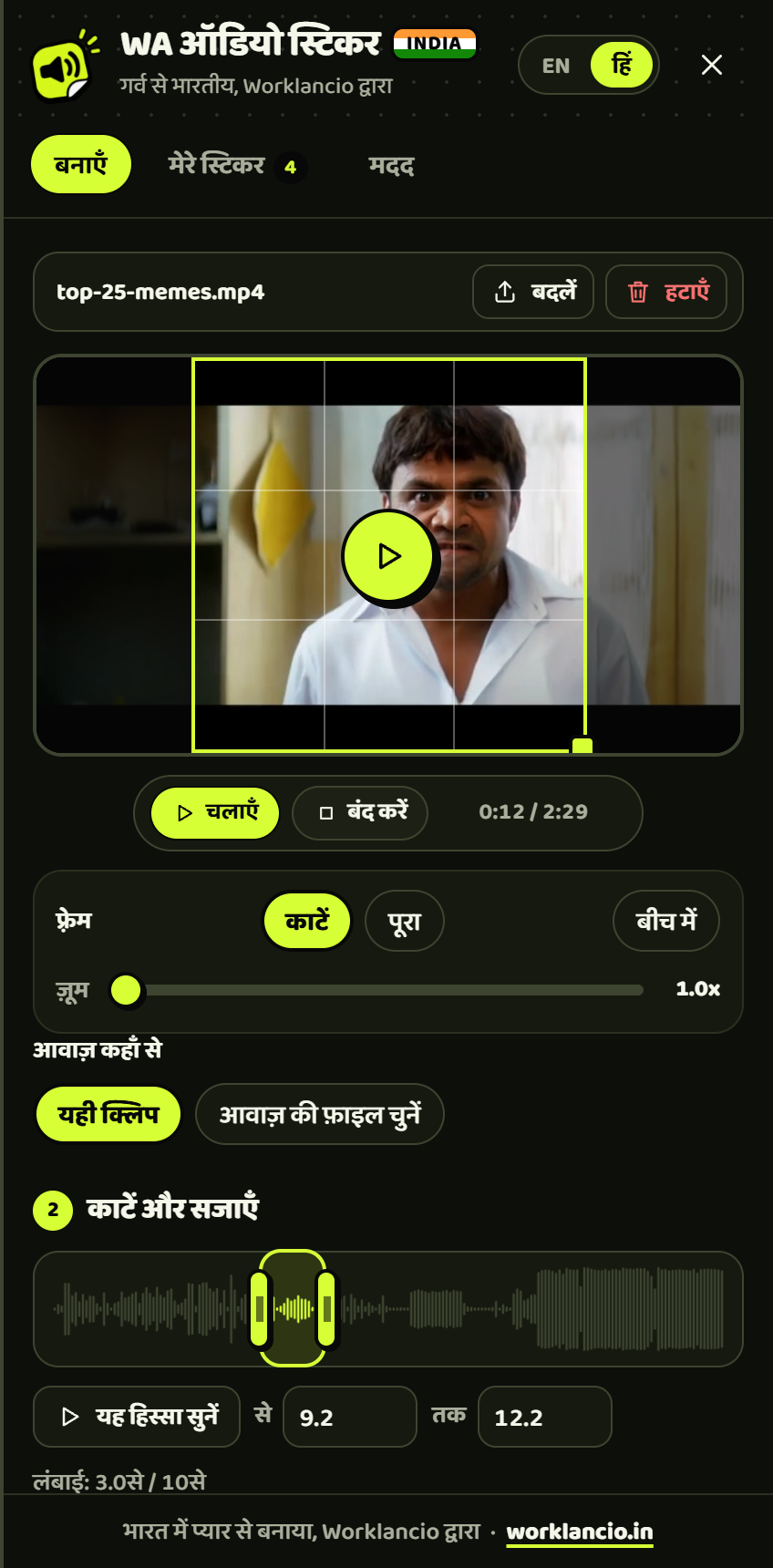
Yes. You can add captions in Hindi, English or Hinglish, and the whole app can switch to Hindi with one tap.
Will my friend hear the sound?
Yes, if their WhatsApp is up to date. The sound plays on Android, iPhone and WhatsApp Web when they tap the sticker.
Does it work on my phone?
It runs on a computer, in WhatsApp Web. Use Send to myself, then forward or star the sticker from your phone to keep it in your sticker tray.
Why does my sticker have no sound for my friend?
Their WhatsApp needs to be up to date to play sound stickers. If WhatsApp Web itself says it sent the picture without sound, reload WhatsApp Web and send again after a few seconds.
How do I update to the newest version?
Download the latest zip from GitHub Releases and Extract All, then copy the new files over your existing extension folder (replace all). On chrome://extensions, click the reload button on WA Audio Stickers India and refresh WhatsApp Web. Keep the same folder: Chrome ties your saved stickers to it. Export a pack first as a backup.
Is this an official WhatsApp tool?
No. It is an unofficial, open-source tool made by Worklancio in India. It is not made by, linked to or approved by WhatsApp or Meta.